Let shoppers try your clothes before they buy
— more conversions, more revenue.
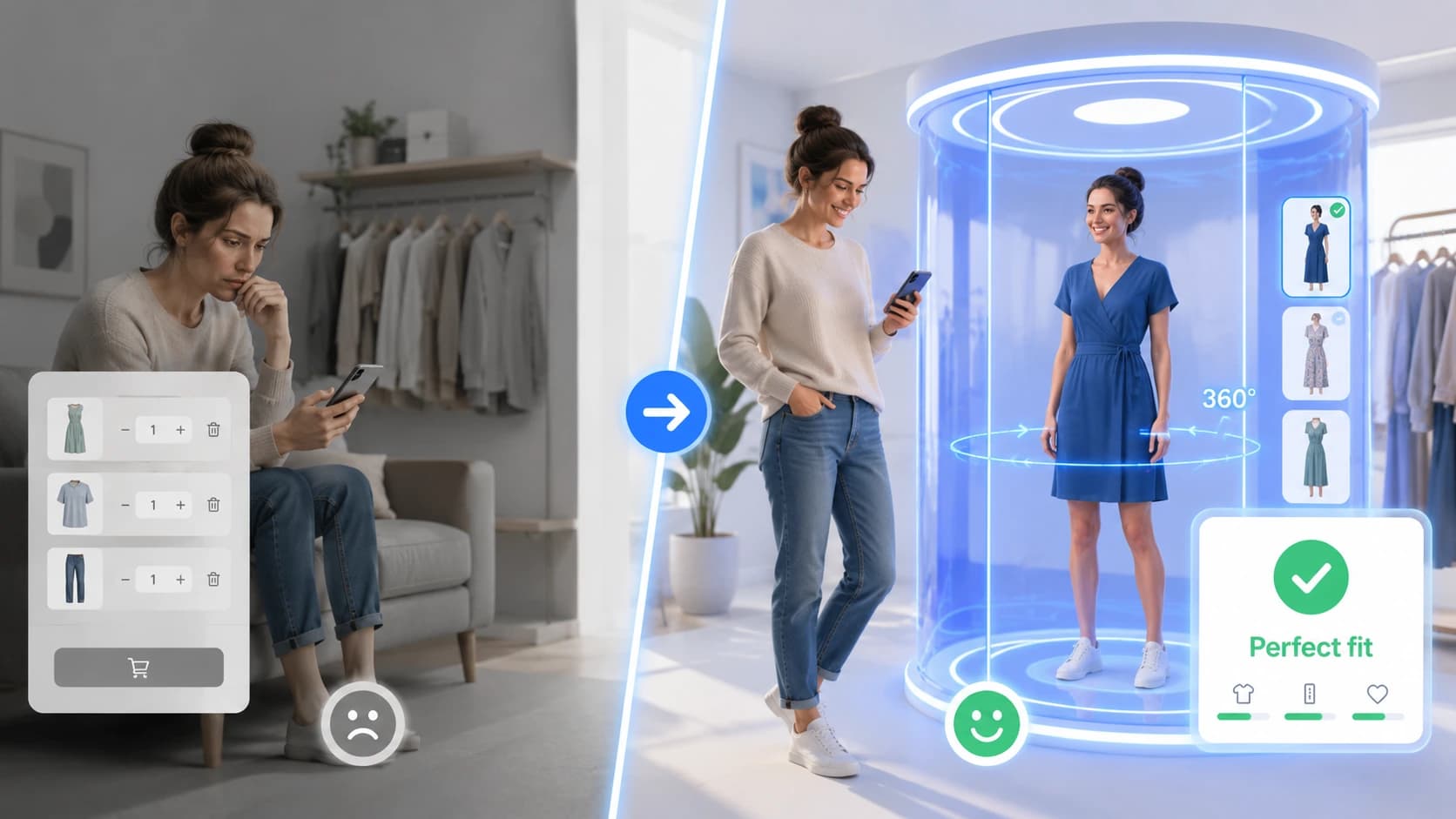
Cabina adds a virtual fitting room to your e-commerce in a few minutes. Shoppers see the clothes on their own photo, in 2K, and buy with confidence: more conversions, fewer returns.
No credit card · No training: photos never train models · Explicit consent for the photo
 Your try-on
Works with the major platforms
How it works
Four steps to transform your store. The shopper uploads a photo — the rest is automatic.
Upload your catalogue
Install the app or plugin, or paste the snippet: the button appears on product pages and reads the garment from the page. Shopify, WooCommerce, Wix, PrestaShop — or the universal JS snippet.
Upload a photo
The shopper uploads a photo from their own device — on a phone they can also take one on the spot. In a few seconds Cabina estimates their measurements: they do not have to type anything, and adding them makes the suggestion better.
Try the garment on their own body
The AI generates an image of the shopper wearing the garment, starting from their photo. Not a cut-out laid on top: the garment really falls on them — no generic avatars, no surprises.
Buy with confidence
The suggested size is already selected on the page and the garment goes into the cart straight from the result. The shopper buys sure of the choice.
From the shopper's photo to the garment worn, in seconds
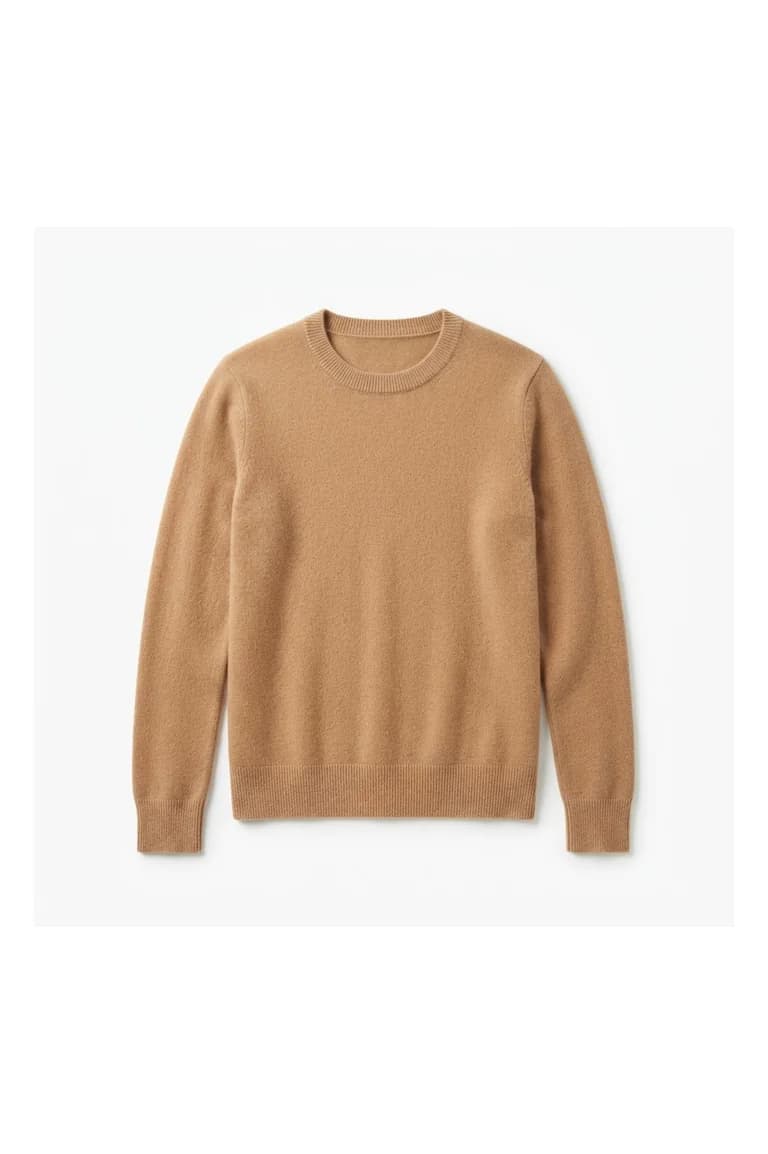
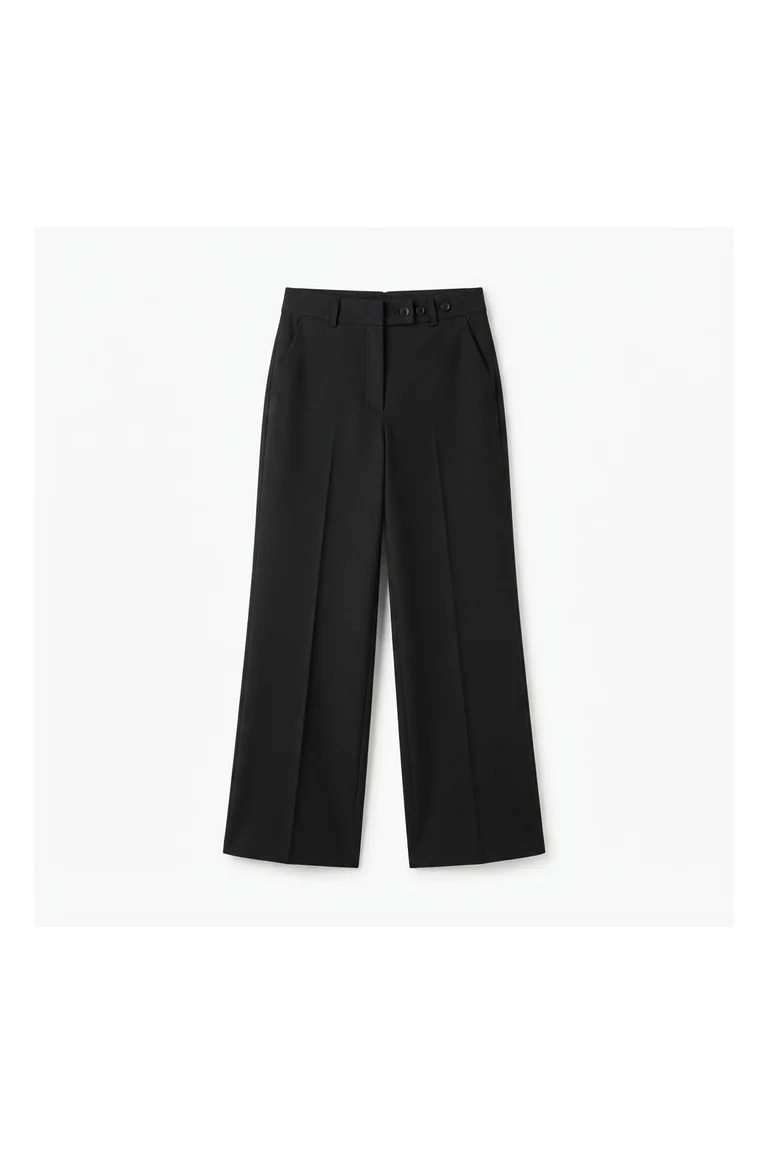
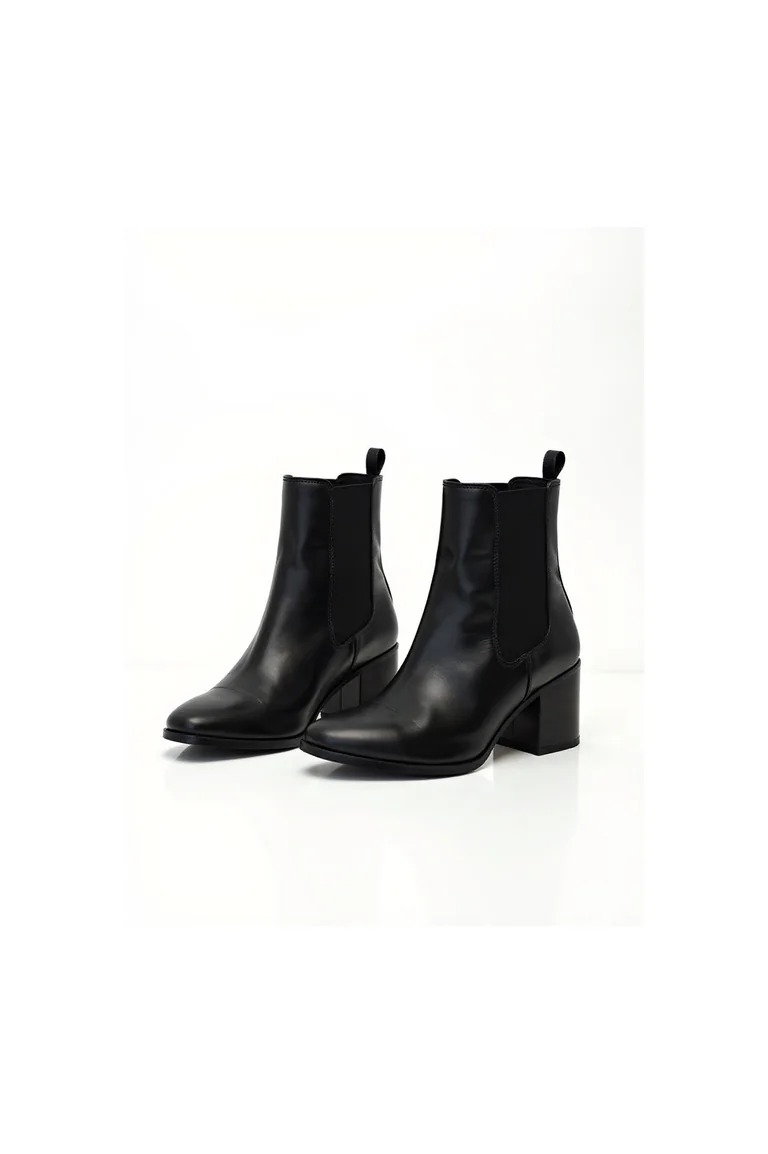
Three real results from our demo stores: the model's photo, the garment as it appears in the catalogue, and the image Cabina generates. No retouching.
Cashmere crewneck
Regular build


High-rise wide-leg trousers
Curvy build


Chelsea boot
Slim build


The numbers that matter
Use the calculator below to see your real impact on revenue.
Conversion Rate
Shoppers who are sure about the size click «Add to cart» more often.
Integration
Copy the JS snippet and paste it into your store: it works on any platform.
Measurements stored
Measurements are only used to suggest a size: they end up in no database, neither ours nor yours.
AI speed
A try-on is ready in 11 seconds at most, with no app to download. If the shopper reopens the same garment, the result appears instantly.
Mobile-ready
Works on Safari iOS 16+ and Chrome Android. A photo from the phone is all it takes.
Custom branding
Colours, logo and button text match your brand, from the dashboard.
Work out your ROI
Enter your numbers and see how much you can earn with Cabina.
Estimated results
Change a value — the sliders update automatically
Average order value
updates every estimate
Extra revenue/month
from +10% conversions
Returns saved/month
from −20% returns
Total monthly ROI
extra revenue + returns saved
Works with your store
A universal JS snippet for any platform. The Shopify and Wix apps are published on their stores; the PrestaShop module and the WooCommerce plugin download from the docs.
Shopify
AvailableApp on the Shopify App Store
WooCommerce
AvailablePlugin, download from the docs
Wix
AvailableApp on the Wix App Market
Prestashop
AvailableModule, download from the docs
JS snippet
UniversalCopy and paste — works anywhere
MCP Server
AI-nativeManage Cabina from ChatGPT, Claude, Cursor, Copilot and other AI assistants
REST API
REST APIDocumented REST endpoints (OpenAPI 3.1)
Cabina inside your AI assistant
With the MCP server, ask ChatGPT, Claude, Cursor, Copilot or Gemini CLI for this week's metrics, change the button color or add a domain, in plain language.
ChatGPT, the Claude app, Gemini CLI and Copilot connect with your Cabina account, no key needed. Claude Code, Cursor, Codex and Antigravity use the admin key: the setup for each one is in the dashboard, MCP Server page.
The photo is sent only if the shopper allows it — and nothing stays forever.
No database of measurements: we estimate them to suggest a size and we do not store them. To generate the try-on the photo is sent to our AI providers — with explicit, revocable consent — and deleted by them within 24 hours. The generated image lasts at most 7 days.
No measurements stored
Measurements are used to suggest a size and end up in no database — neither ours nor the store's.
No tracking
No profiling cookies, no tracking pixels on measurements. Only anonymous aggregated data for the merchant's metrics.
The photo has an expiry date
It is sent only to generate the try-on. The resulting image is reachable only through a temporary link, and is deleted after 7 days.
Explicit, revocable consent
The photo does not leave until the shopper gives specific consent, and unticking the box revokes it. Without consent there are the Cabina models: their photo never leaves the device.
Simple pricing, concrete value
Start free. Scale as you grow. No hidden costs.
Freemium
To get started and test Cabina on your store.
- 10 try-ons per month
- 1 try-on = 1 garment tried
- The plan try-ons renew every month
- Photorealistic AI try-on
- Mix & match up to 3 garments (the third is free)
- Size suggested from measurements
- Widget in 7 languages
- JS snippet + Shopify, Wix, WooCommerce and PrestaShop plugins
- Community support
Starter
For those who want to grow with data and support.
Everything in Freemium, plus:
- 200 try-ons per month
- 1 try-on = 1 garment tried
- Extra try-ons $0.29 incl. VAT (minimum 18) — they do not expire
- Session and completion metrics
- Widget colours, logo and texts
- Email support
Growth
For growing stores with high volumes.
Everything in Starter, plus:
- 500 try-ons per month
- 1 try-on = 1 garment tried
- REST API and MCP server
- Priority support
Plan prices exclude VAT; pay-as-you-go try-ons include VAT.
Frequently asked questions
Everything you need to know before you start.
Ready to cut returns and increase sales?
Start free today. Integration in a few minutes. Your customers will try the clothes — you will see the results.
No credit card · Measurements never stored · Cancel whenever you like
Second opinion
Ask an AI assistant what it thinks of Cabina. Each link opens the assistant with the question already written.
«Is cabina.io a good virtual try-on and size recommendation app for a fashion store?»